01
Device frames, drawn in vectors
macOS windows, browser chrome with your URL, and phone bezels — rendered programmatically, so they’re crisp at any export size.
SCREENSHOT STUDIO · 100% IN YOUR BROWSER
Drop in a raw screenshot. Moonshot wraps it in device frames, hand-lit gradients and studio shadows — then exports pixel-perfect PNGs sized for X, OG images, Product Hunt and the App Store.
macOS windows, browser chrome with your URL, and phone bezels — rendered programmatically, so they’re crisp at any export size.
24 curated gradients with soft mesh lighting and film grain. Not a random color picker — palettes that make screenshots pop.
One-click canvases for X posts, OG images, Product Hunt galleries, Instagram, App Store 6.7″ — or any custom size up to 4096px.
There is no server. Screenshots are processed entirely in your browser tab — and you can redact revenue figures or customer data (blur or pixelate) before you ever share.
Add a serif headline and subtext above or below your shot. Auto-contrast picks readable ink for any backdrop.
Export PNG or JPG at 1×, 2× or 3×, copy to clipboard — or hit Pack to render X, OG, LinkedIn, Instagram and Story sizes in one go. What you preview is exactly what ships.
⌘V a screenshot, or drag any image in.
Pick a frame and a backdrop. Or hit Surprise me.
Export a retina PNG sized for wherever it’s going.
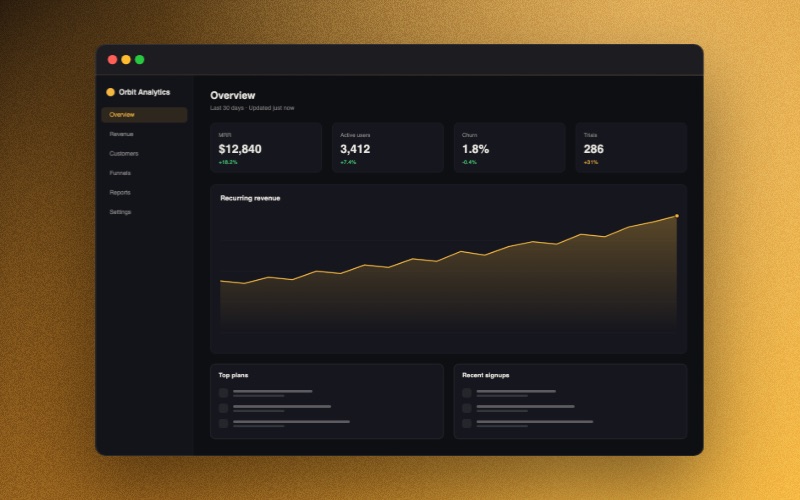
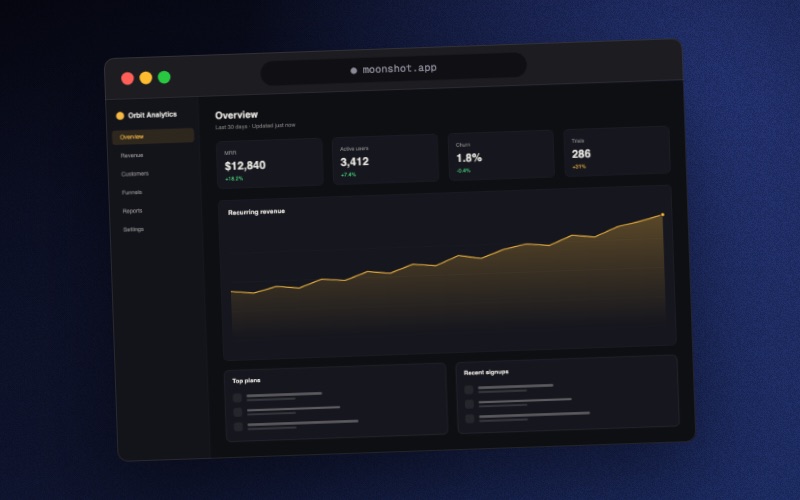
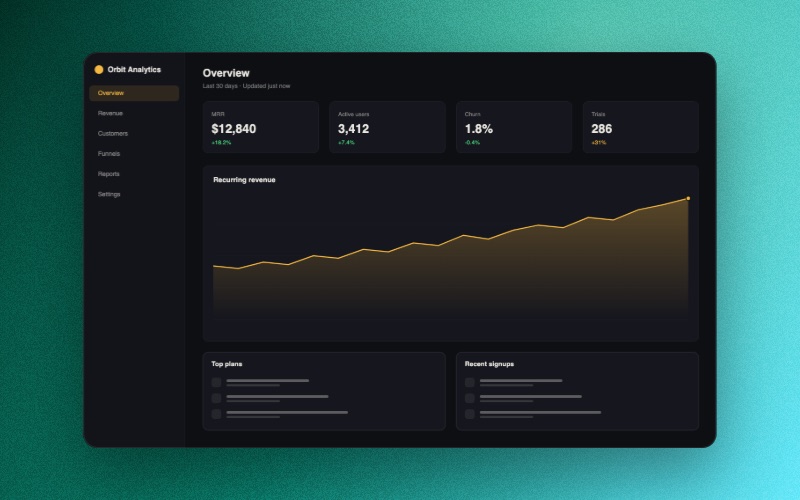
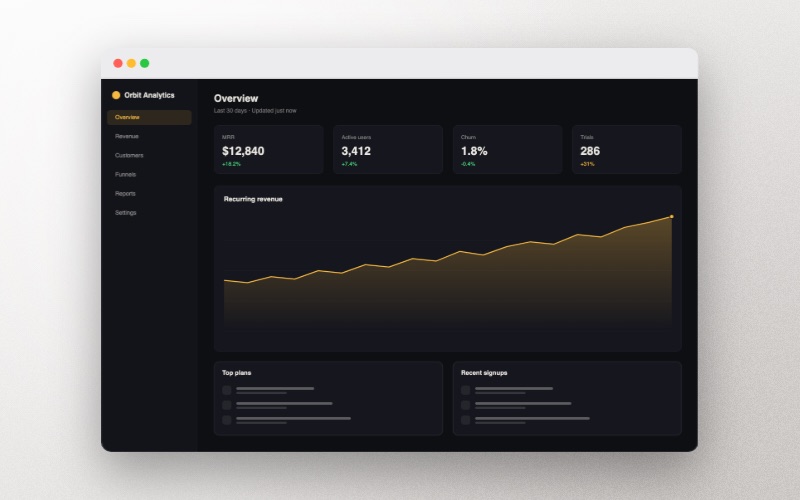
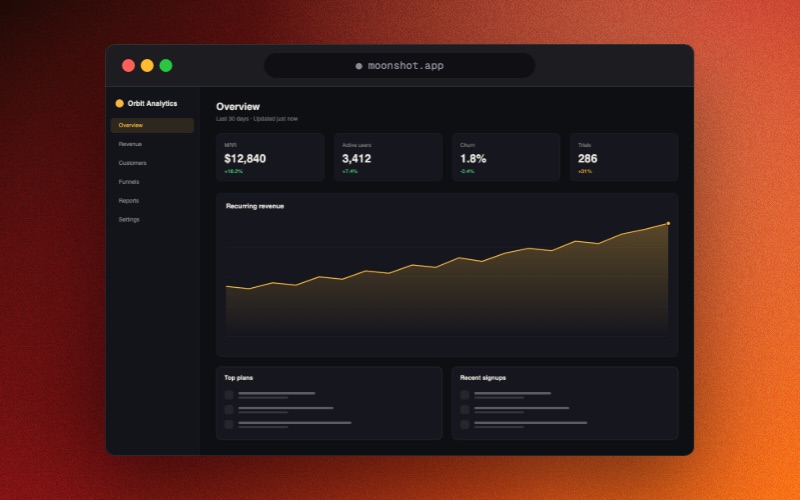
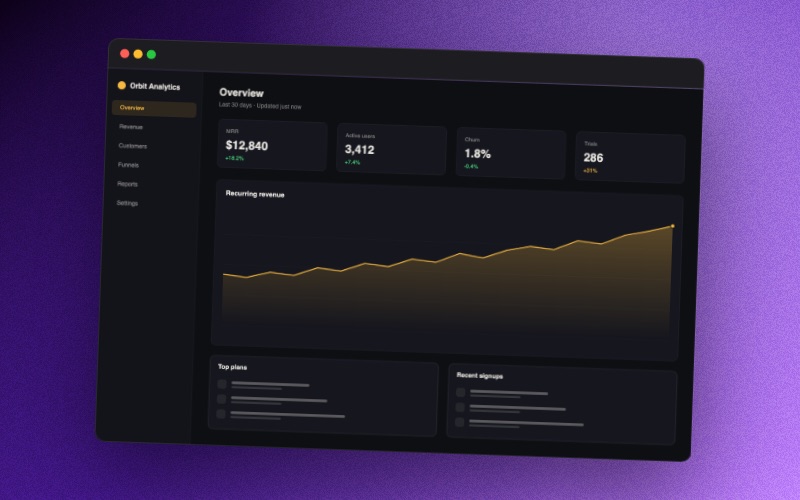
Every image above was exported from Moonshot itself.
Pay with ETH on Base — fees under a cent, confirms in seconds — or Ethereum · 14-day refund
Yes — structurally. Moonshot is a static page with no backend. Images are read into your browser’s memory, composited on a local canvas, and saved from there. Nothing is transmitted, logged, or stored remotely. You can verify this in your browser’s network tab: after the page loads, no requests carry your image anywhere.
Yes. Hit Redact sensitive info, drag over anything private — MRR, customer names, emails, API keys — and Moonshot blurs or pixelates it directly into the image. Because everything runs locally, the un-redacted version is never uploaded anywhere in the first place.
The full editor — every frame, every canvas size, captions, grain, 2× export. Free exports carry a small, tasteful “Made with Moonshot” mark in the corner. Pro removes it, adds 12 premium backdrops and 3× export.
Yes. Pay once — with ETH directly in the app on Base (an Ethereum L2: fees under a cent, confirms in seconds, and Coinbase withdraws to it directly) or Ethereum mainnet, verified on-chain and unlocked instantly — and Pro is yours forever, future updates included.
Any modern browser — Chrome, Edge, Safari 16+, Firefox. Clipboard-copy works best in Chrome and Safari; classic file export works everywhere.
Yes — anything you make with Moonshot is yours, free tier included.